
Explorer is a Ghost theme for travel blogs and destination guides. It opens on your best trips in full screen, sorts your stories by continent and country, and frames your photos in five geometric styles.
This page walks through what the theme does and how to set it up. Everything shown here works without code.
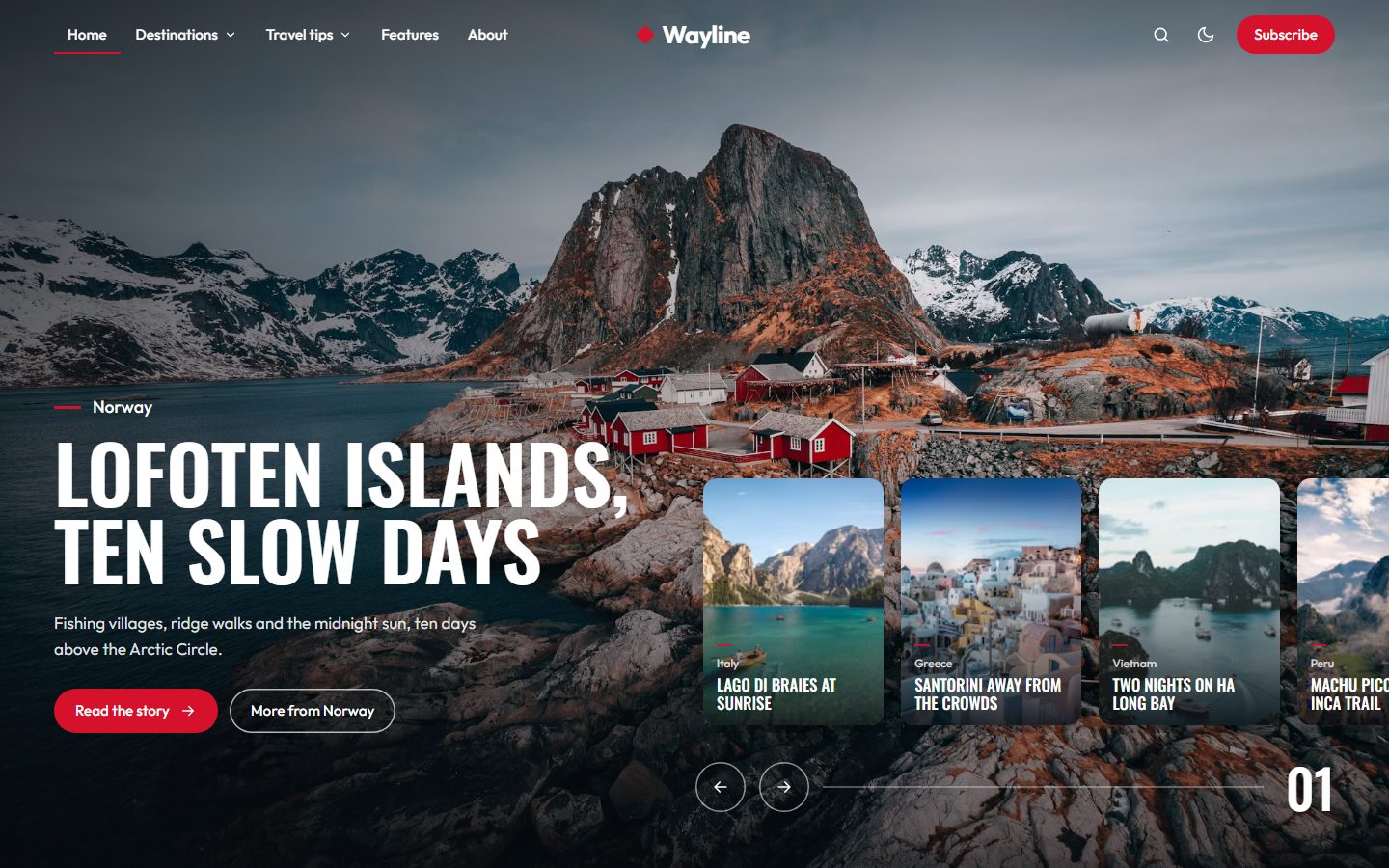
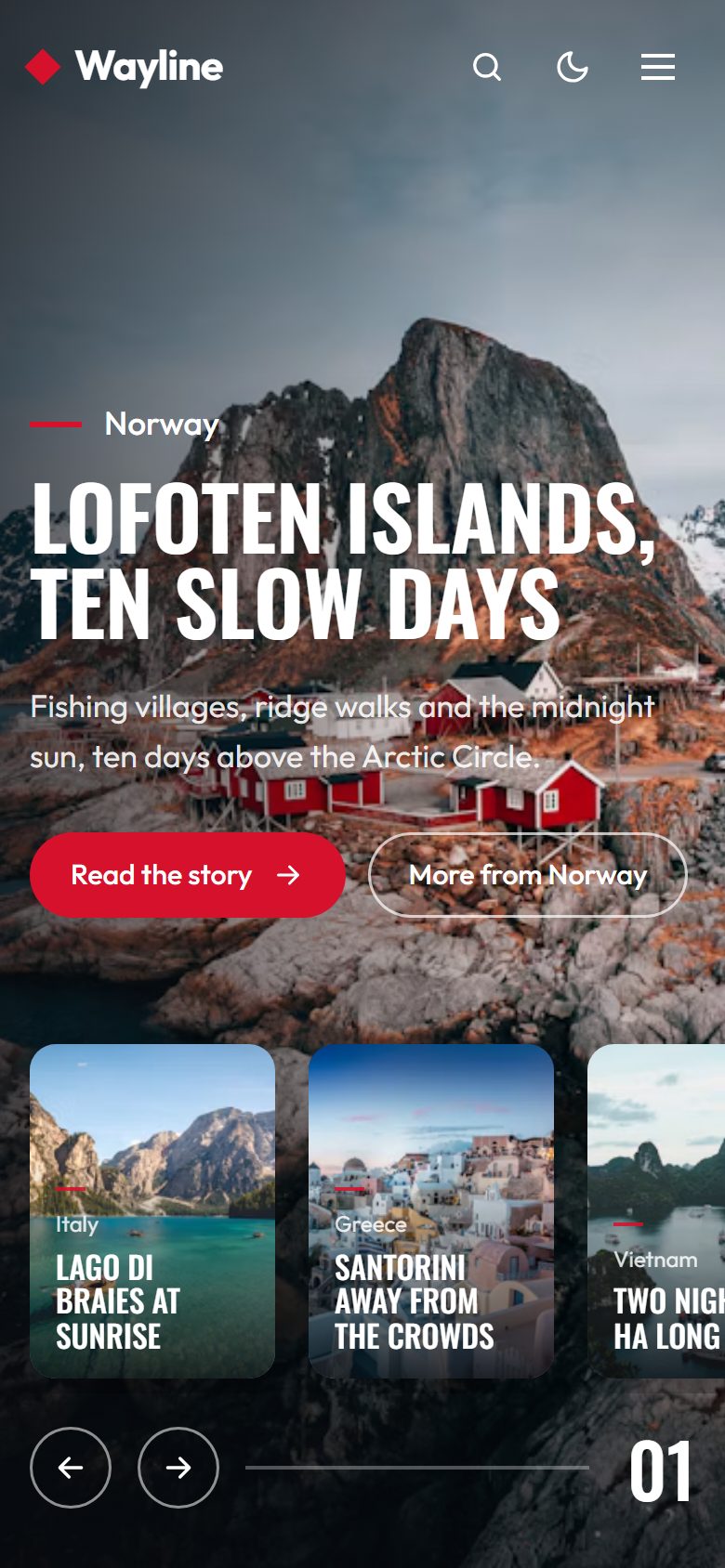
A slider where cards open into the story
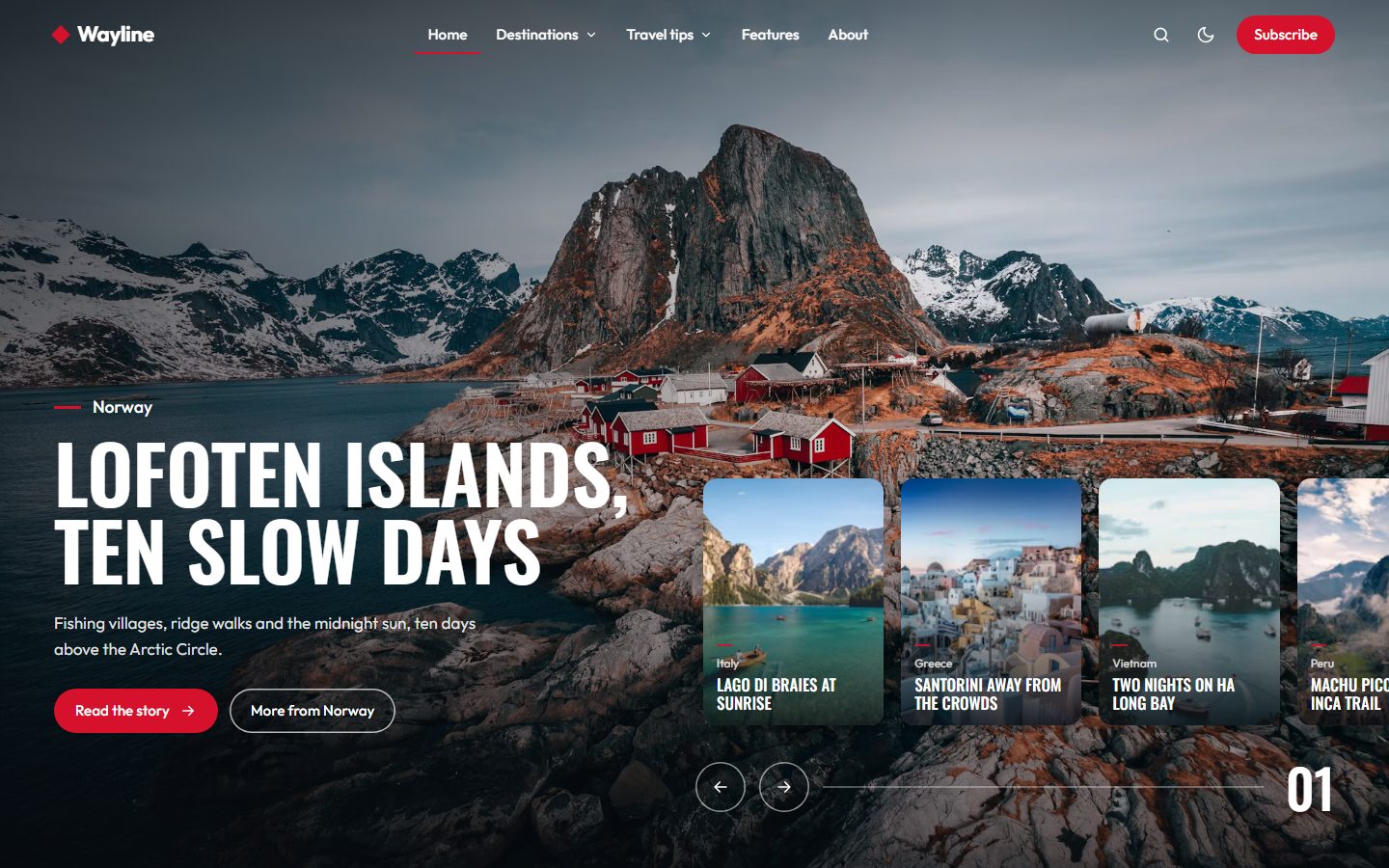
Mark up to six posts as Featured and they become the slider at the top of the homepage. The current story fills the screen, the next ones wait as cards on the right. Click a card, or the arrow, and it grows into the background. The slider moves on by itself every seven seconds, pauses while readers point at it, and stays still for readers who prefer less motion.
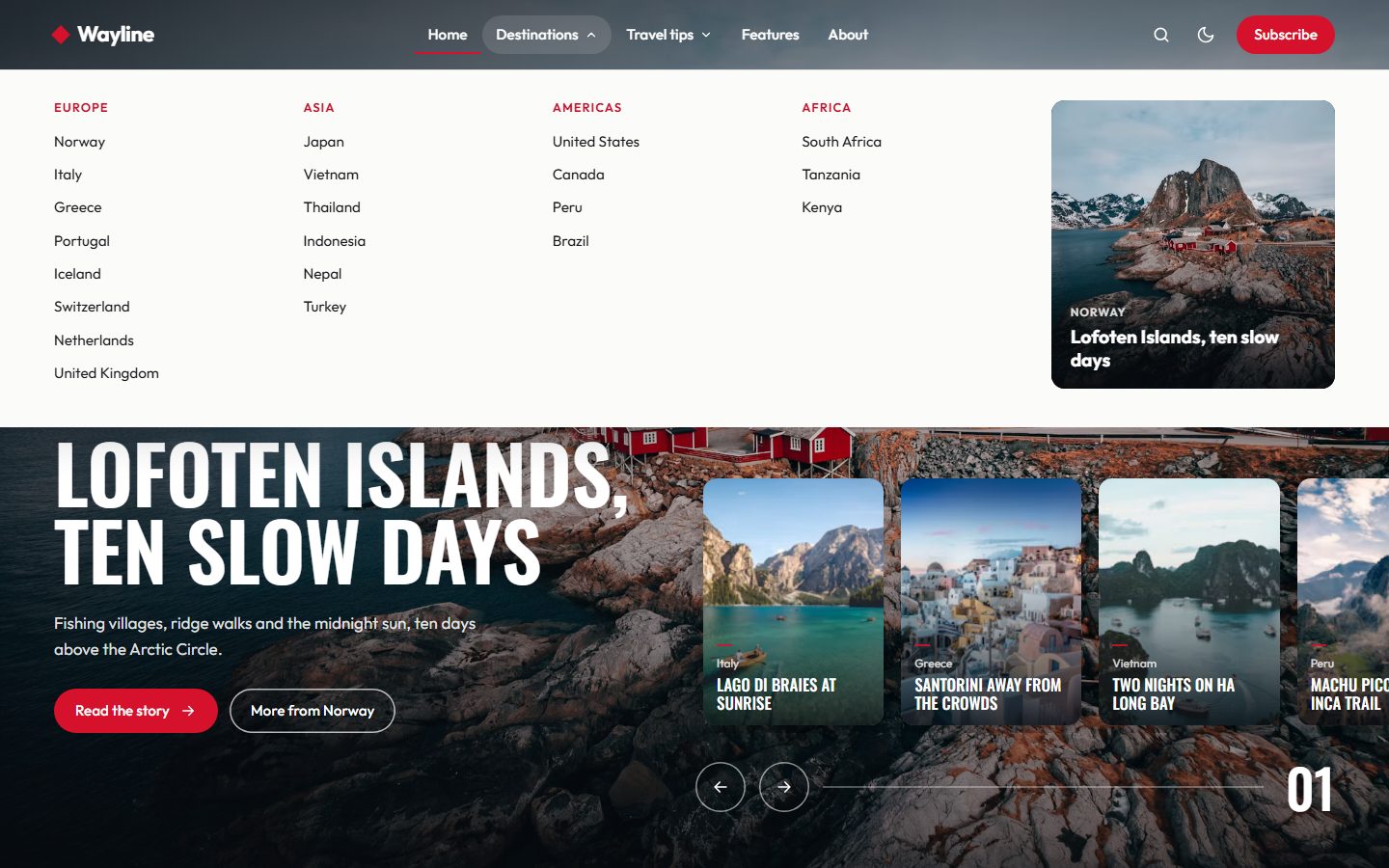
Continents and countries in the menu
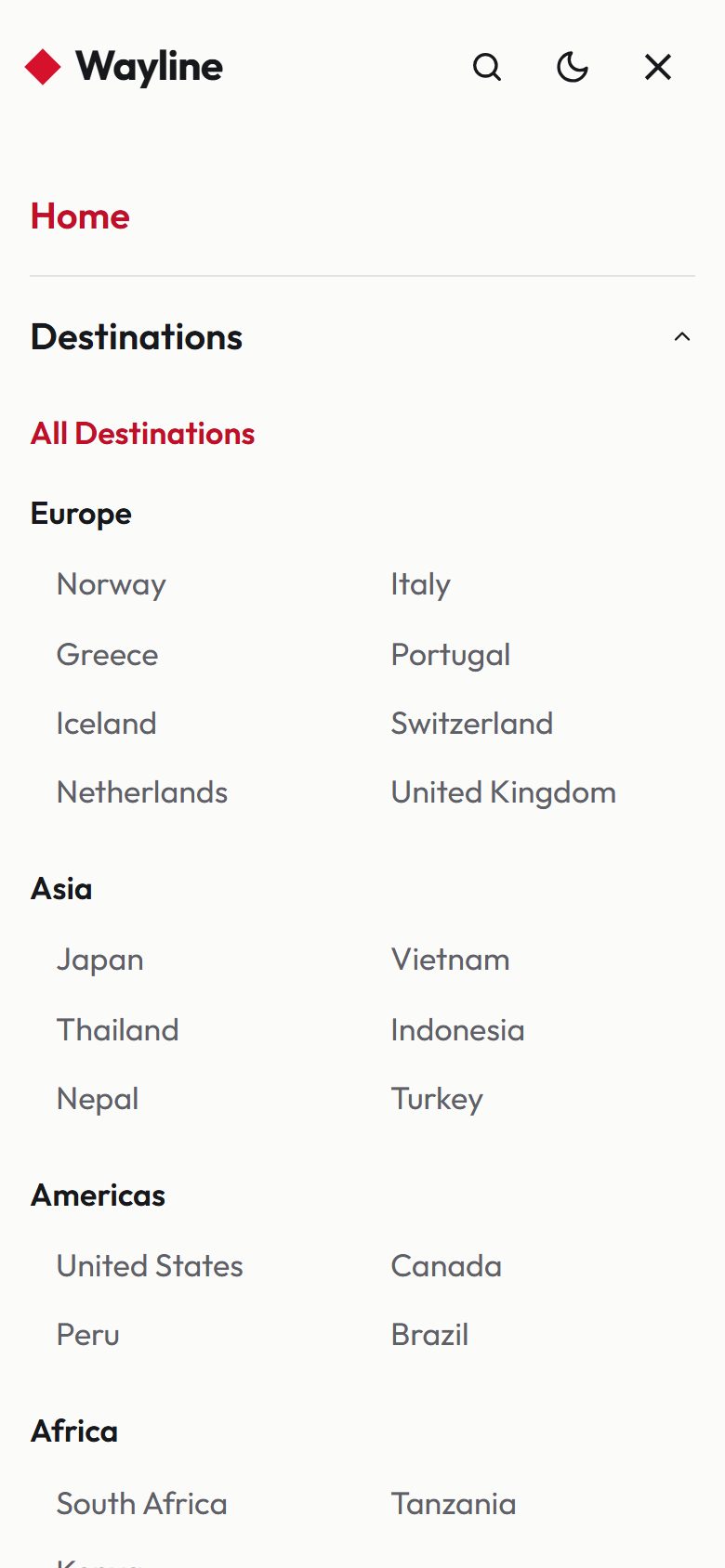
In Settings, Navigation, start a label with one dash to make it a sub-link, and with two dashes to place it under that sub-link: Destinations, -Europe, --Norway, --Italy. Explorer turns it into a mega menu with one column per continent and the latest Featured post on the right. On phones the same list opens as an accordion.
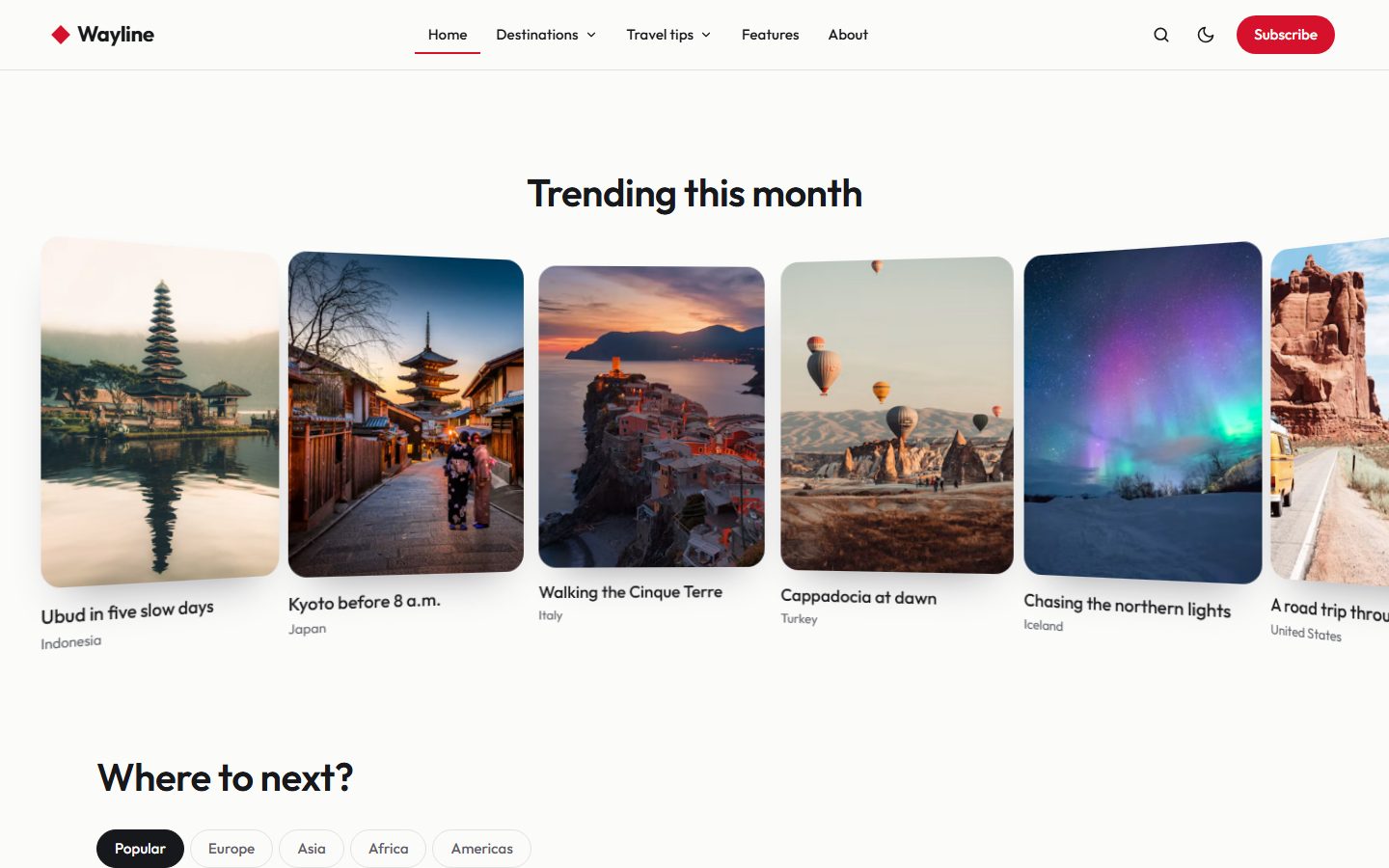
Trending, on a curve
Give posts the internal tag #trending and they line up on a curved row that drifts slowly across the page. Readers can drag it with the mouse or swipe it on a phone.
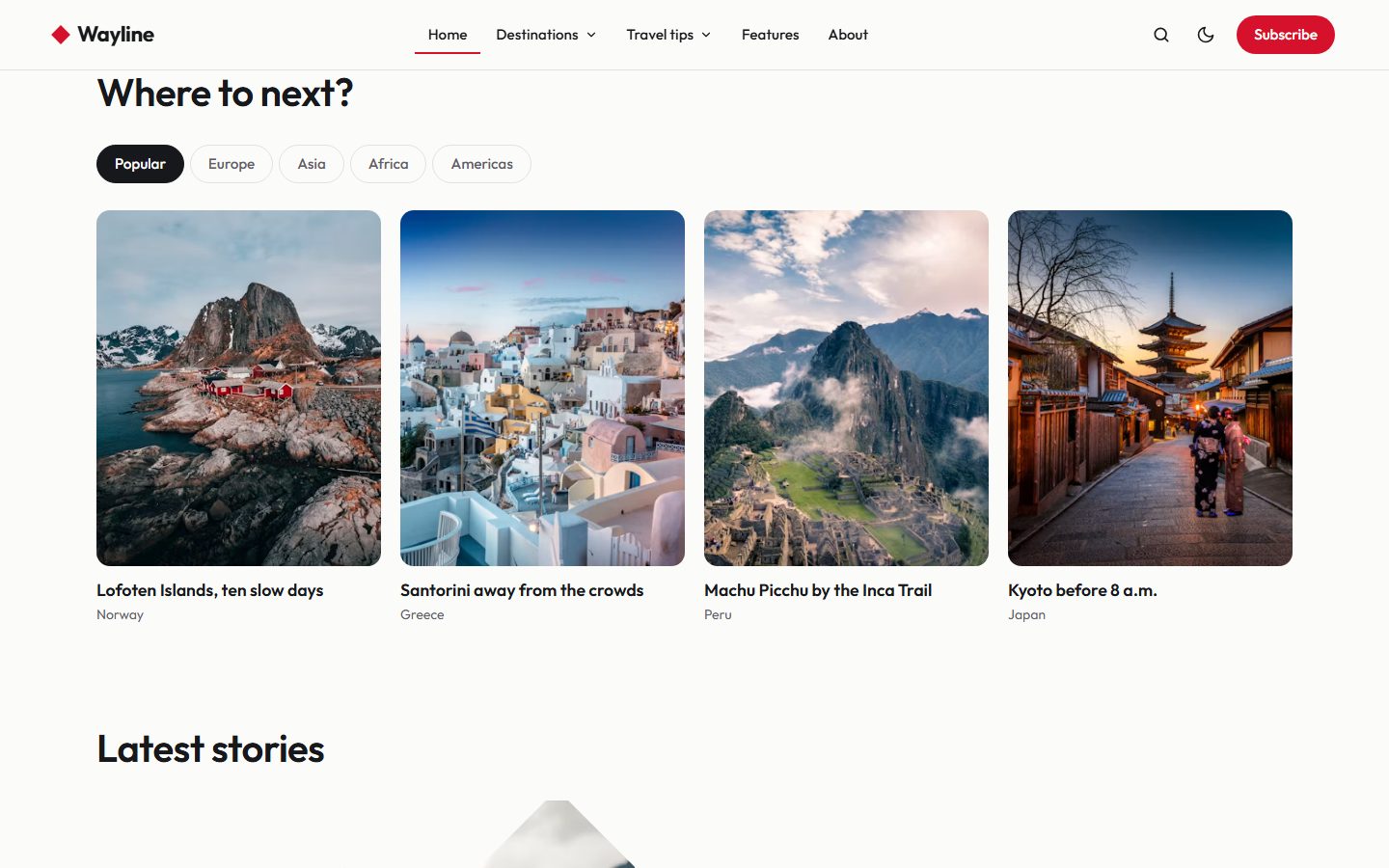
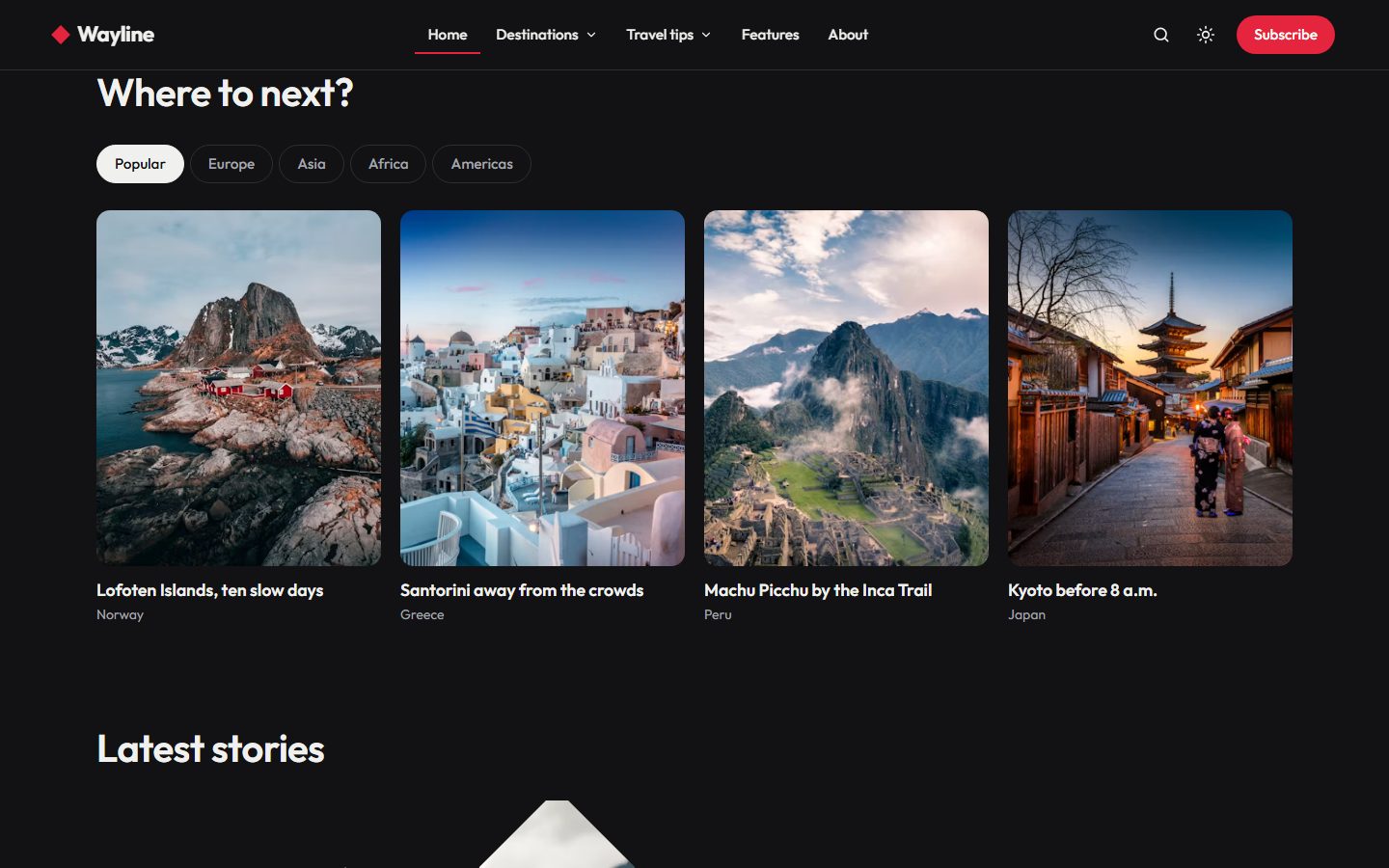
Where to next?
Your largest tags become tabs, four posts in each. Tag each post with its country first and its continent second, and the continents fill the tabs on their own. Posts tagged #popular get their own tab in first place.
Five image styles
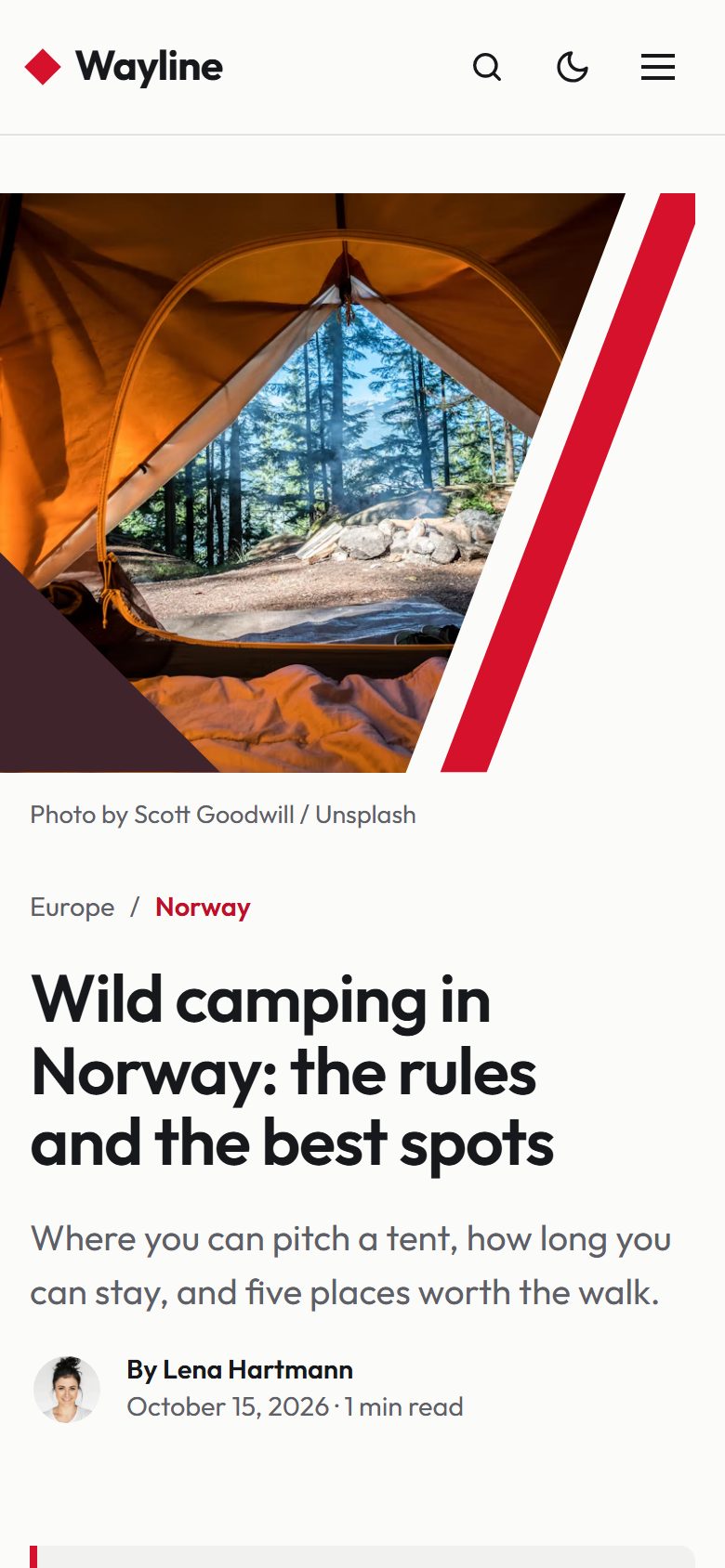
The latest stories open as large rows: the photo on the left, against the edge of the screen, the story on the right. The photo is shown through geometric shapes, with two flat shapes in the theme colors beside it. Choose a style for the whole site in the theme settings, or give a single post its own with an internal tag.
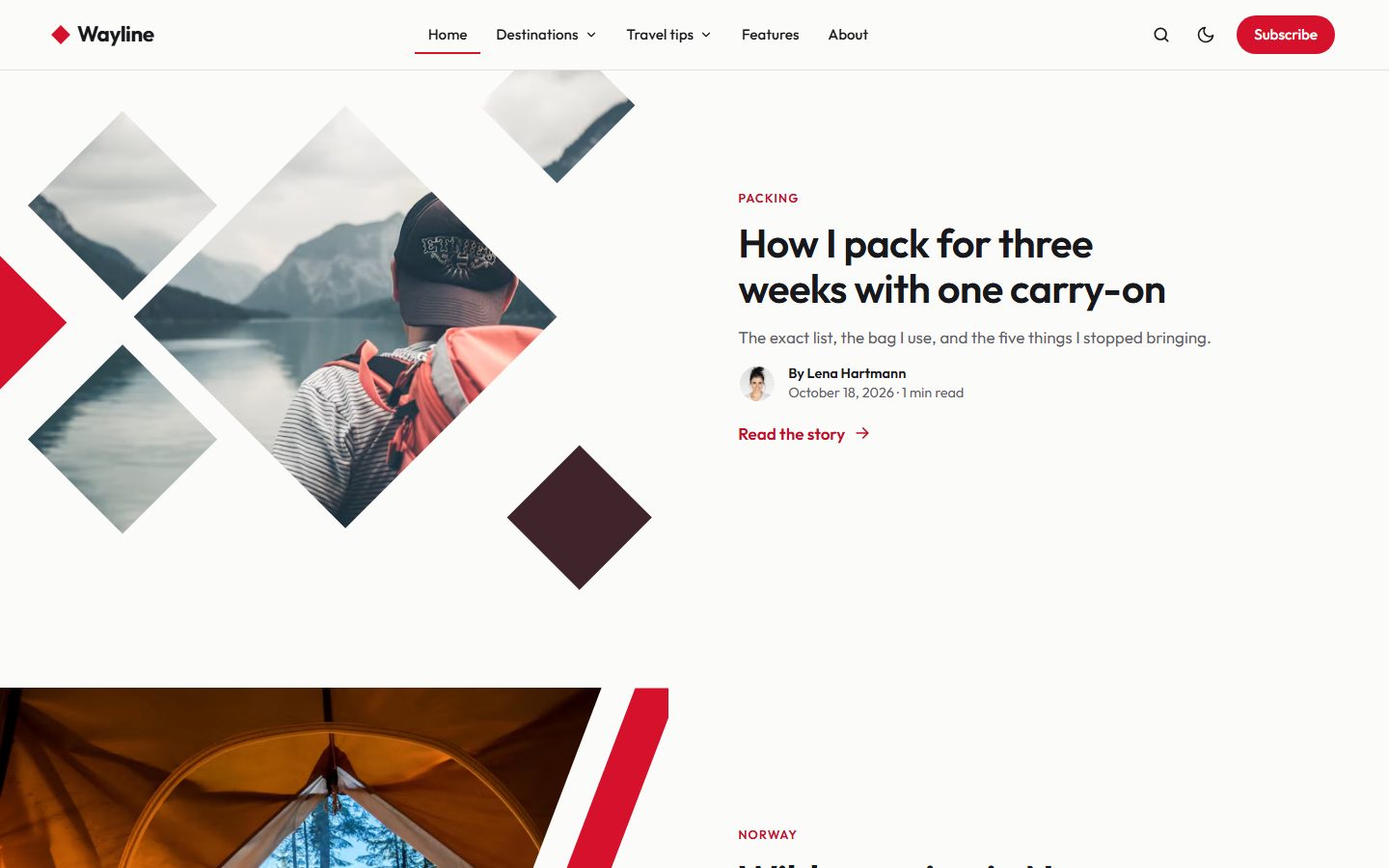
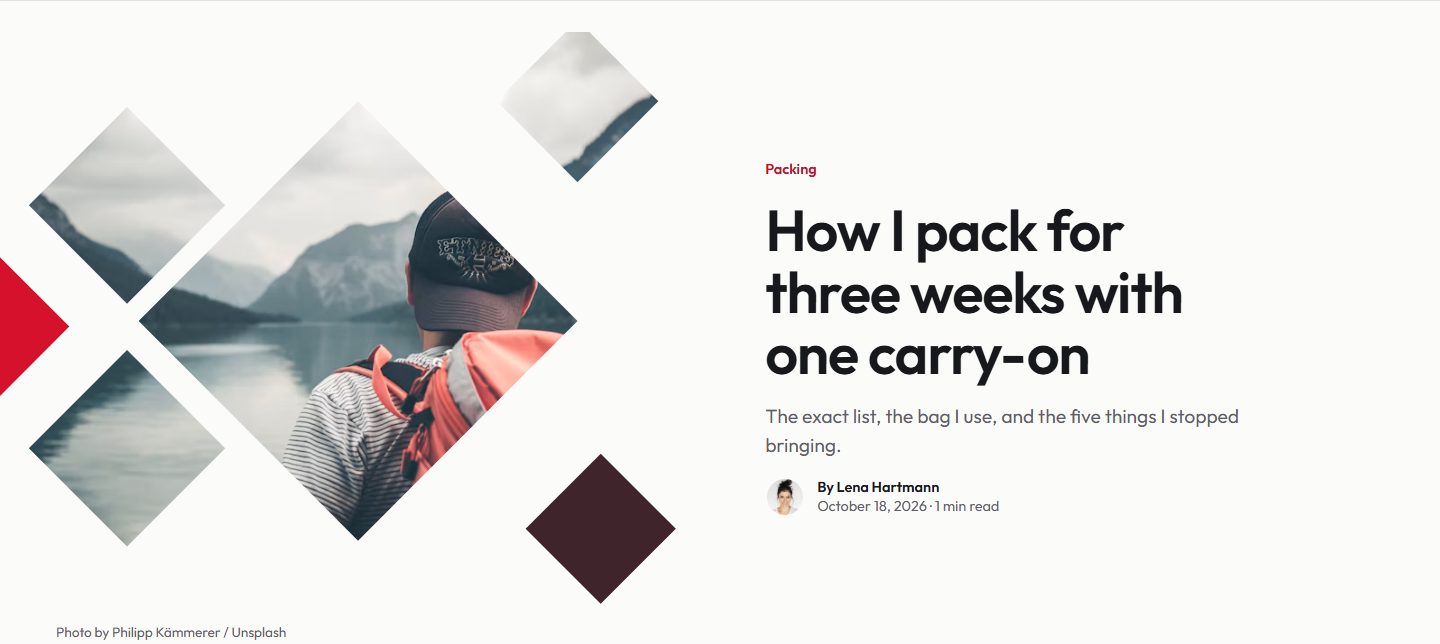
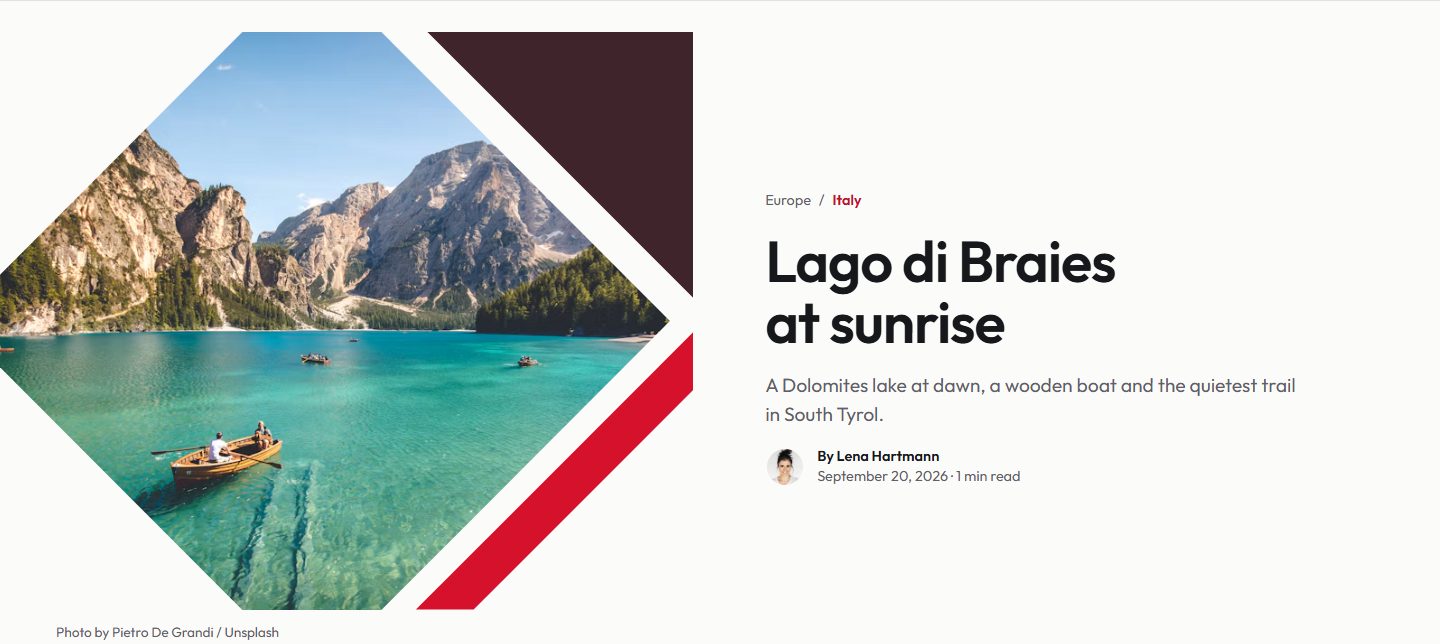
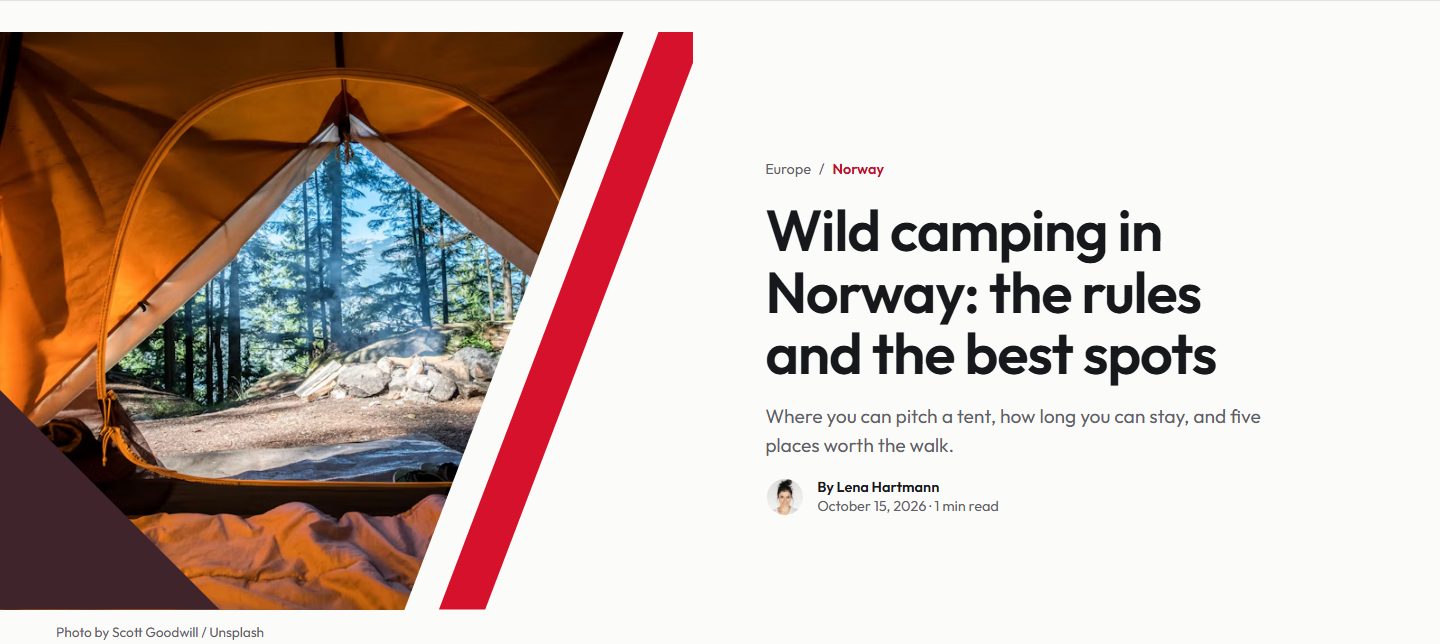
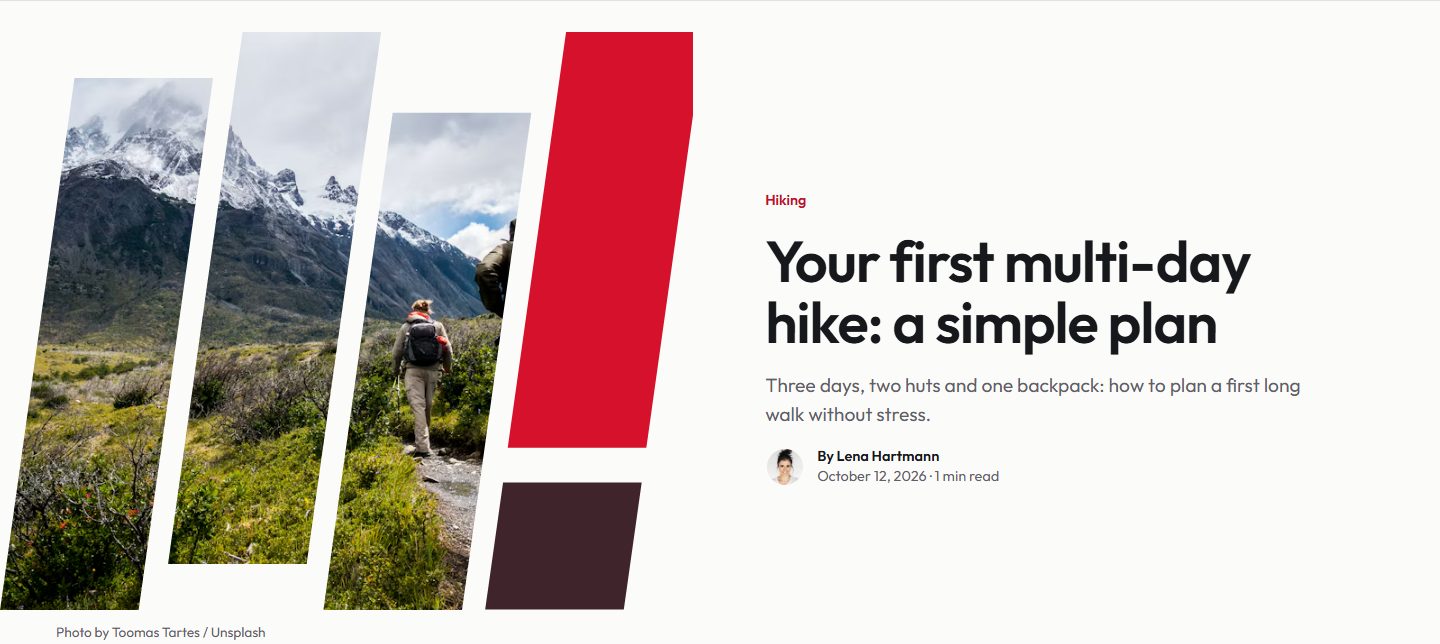
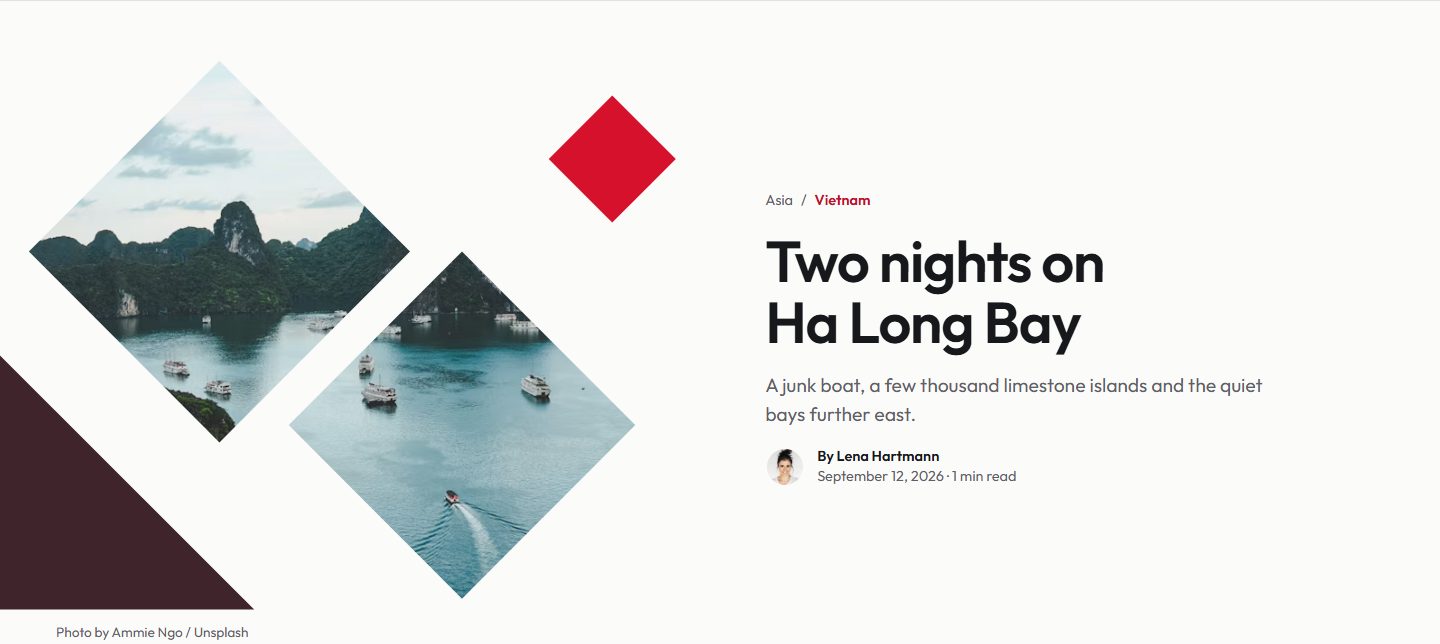
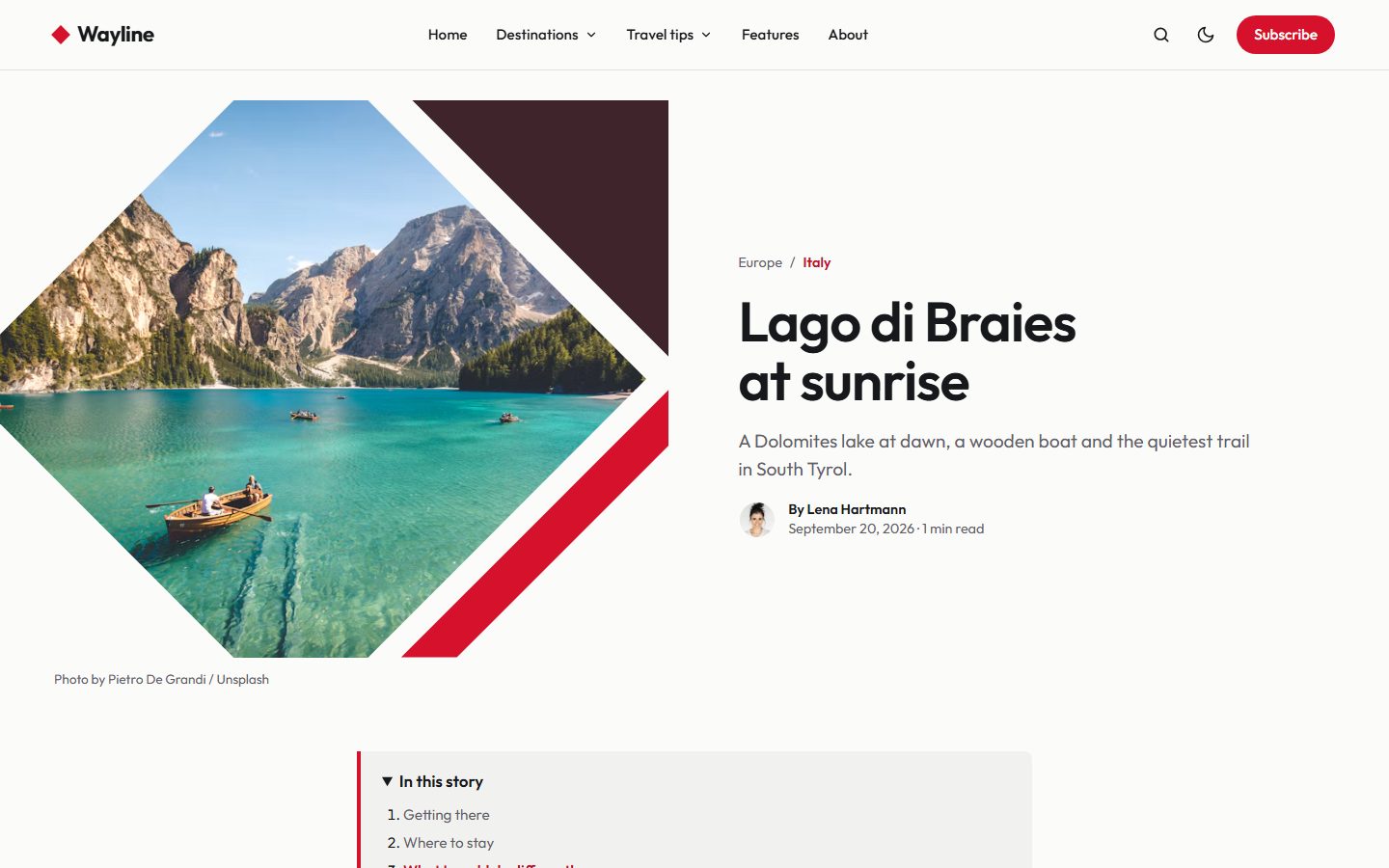
The same style frames the image at the top of each post, with the title, excerpt and author beside it.
Two palettes, light or dark
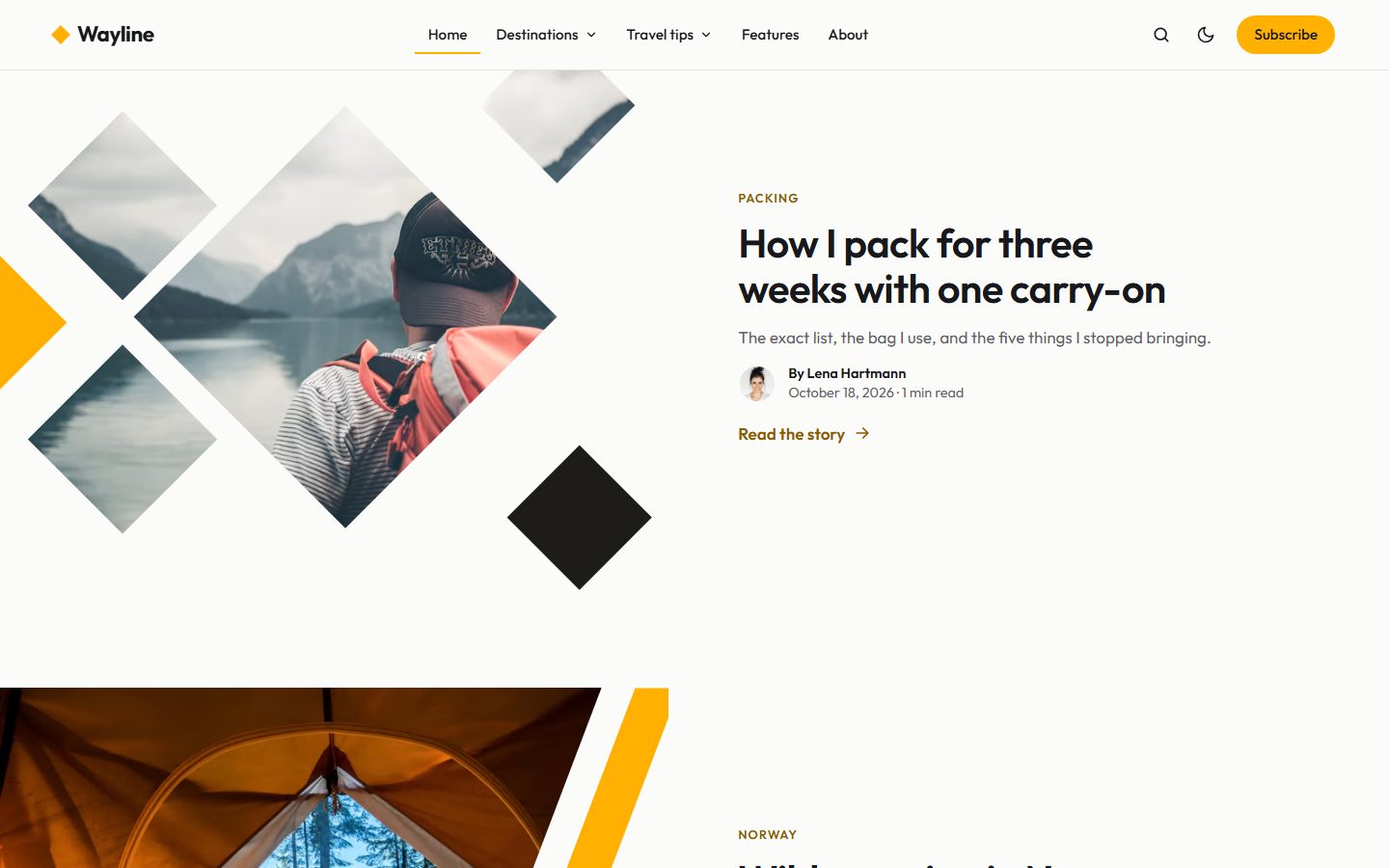
Pick Crimson (red, with a burgundy footer) or Saffron (yellow, with a near-black footer). Each comes with a dark mode; readers switch from the header, or you set Light, Dark or Auto as the default.
Logo on the left, or centered
Keep the logo on the left, or center it with the menu on its left and the tools on its right.
About you, and your highlights
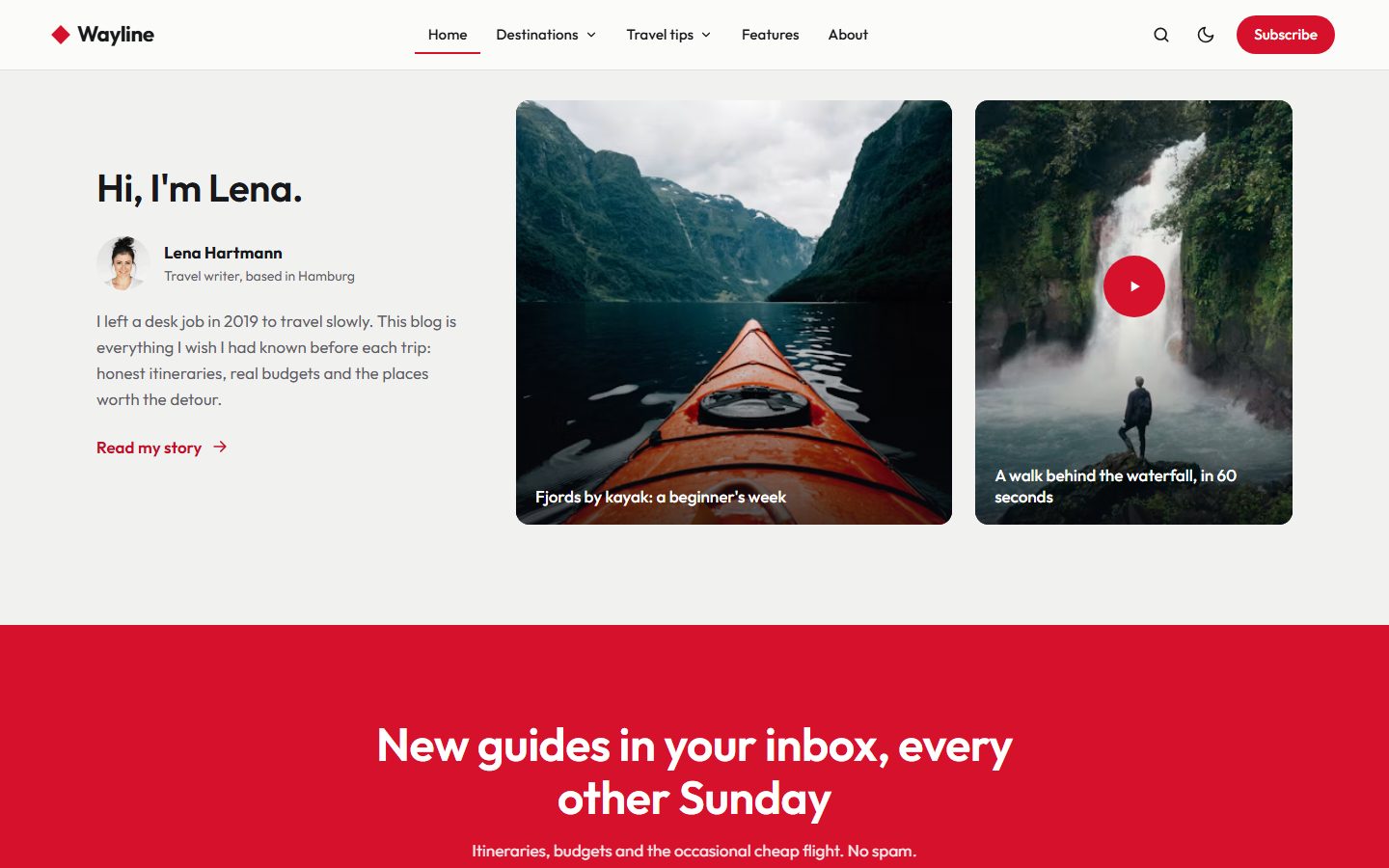
A block introduces the author with the most posts: portrait, location, bio and a link to their page. The heading is yours to write; {name} becomes the author's first name. Beside it, two posts tagged #highlights, and a play badge on any post also tagged #video.
Newsletter and footer
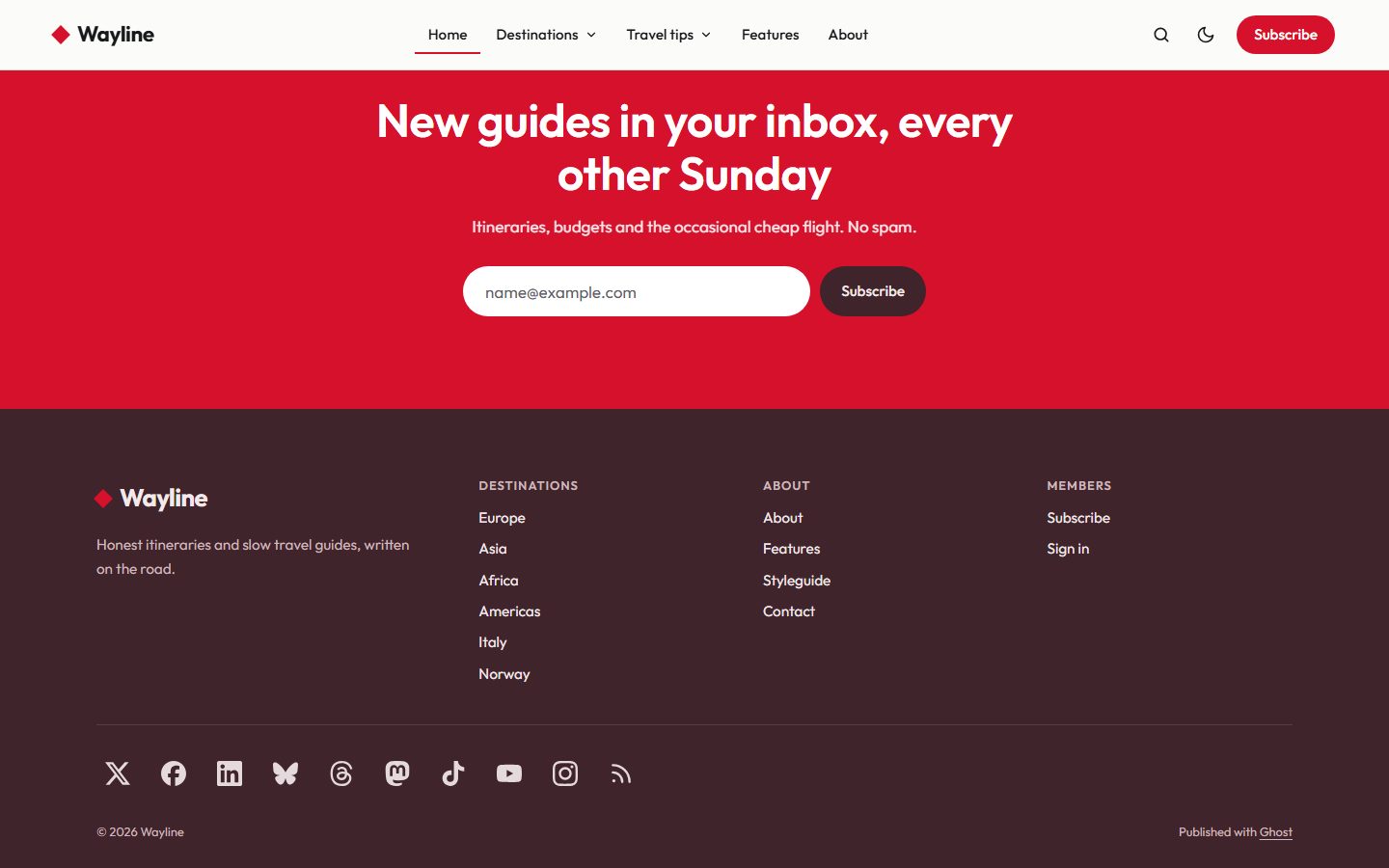
A newsletter band in the palette color sits above the footer on every page, for visitors who are not members yet. The footer lists your destinations, your secondary navigation and all nine social networks supported by Ghost.
Destination pages
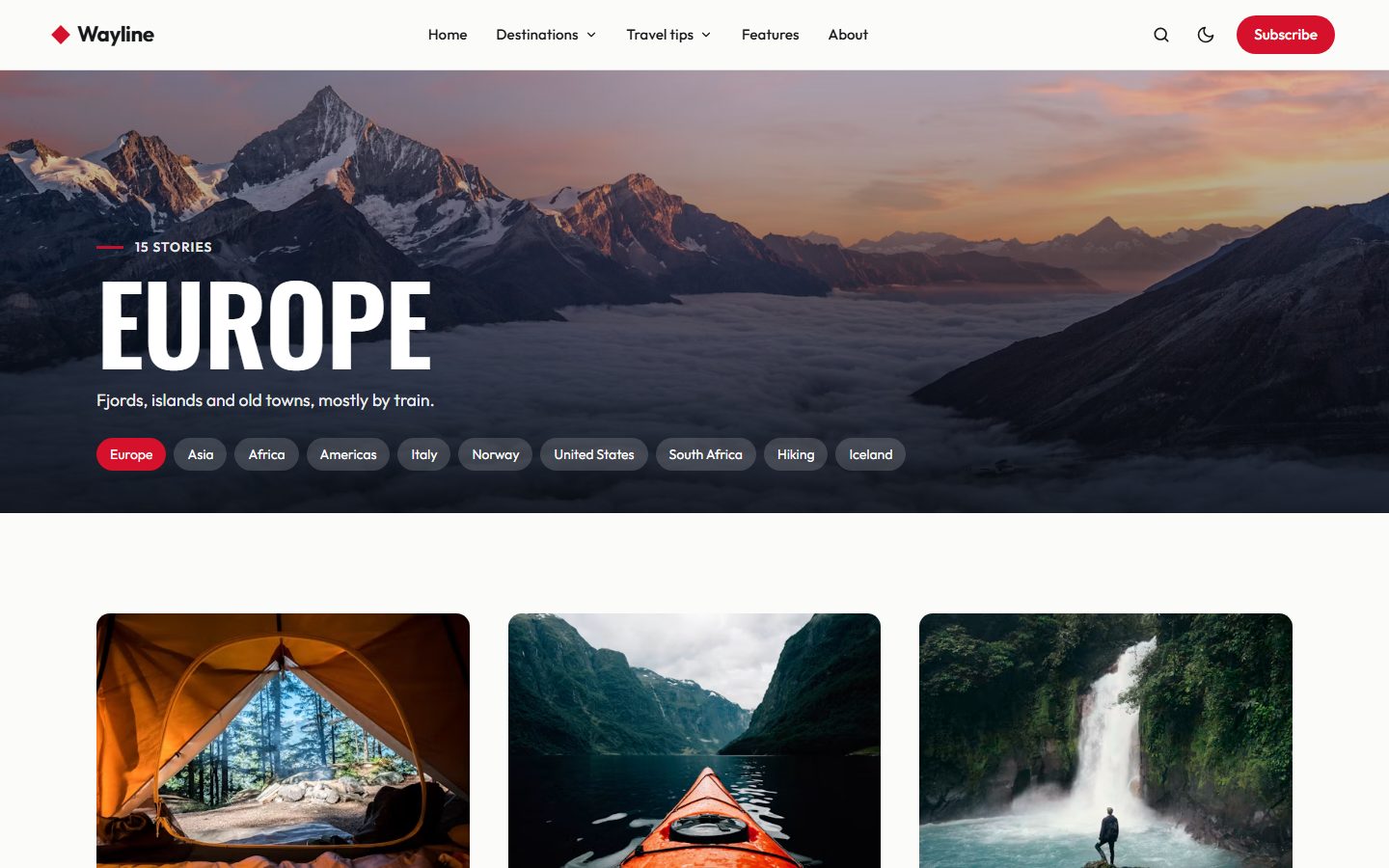
Tag and author pages open on a full-width photo cover with the name set large, and links to the neighbouring destinations.
On every screen
Theme settings
- Palette: Crimson or Saffron; Color scheme: Light, Dark or Auto, with an optional logo for dark mode.
- Logo position: left or centered.
- Image style: Facets, Large diamond, Diagonal, Strips, Duo or None.
- Homepage sections: slider, trending, destinations, latest stories, about and highlights, each on or off, with their headings.
- Newsletter band: on or off, heading and text.
- Footer text and Other social links (Pinterest, GitHub, Behance and more).
- Posts: table of contents and the subscribe box at the end of posts.
Everything Ghost offers
- Members, free and paid tiers, members-only posts.
- Newsletter signup connected to Ghost.
- Native search, opened from the header or with
Ctrl/Cmd + K. - Ghost comments.
- All editor cards. See them on the Styleguide page.
- Responsive images, lazy loaded, and fully translatable text.